
Community
Help is better together.
The app lets people take part as a group. Joining in is optional, and giving never depends on recognition.
Swipe a Need is not open to the public yet. The app isn’t in the app stores, no requests are live, and payments and payouts are not enabled. This page describes how the service is designed to work. Where a safeguard depends on a provider or approval we don’t have yet, we say so.
What’s in the app
Challenges
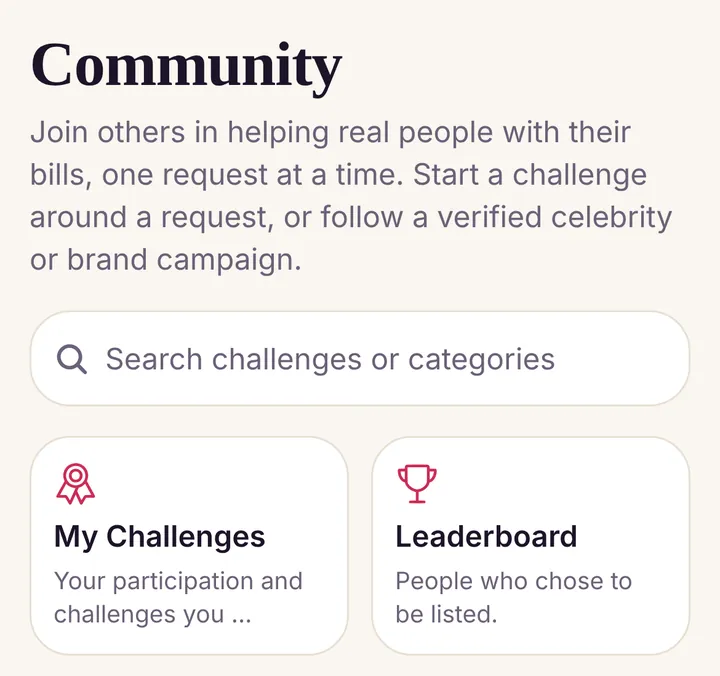
Start a challenge around a request, or join one. Gifts still go to each request’s recipient through normal checkout. Organizers never receive the money, and progress counts only gifts that have fully settled.
Leaderboard, only if you opt in
Most Bills Helped ranks people by how many different requests they helped, never by how much they gave. Top Contributors ranks by amount, and only for people who choose to appear.
Badges
Badges celebrate how many requests you’ve helped, never how much you gave.
Community impact
See what supporters have raised together.

Private until you choose
Your public profile, your place in rankings, your amounts and your social links are all off by default. You can turn any of them on or off at any time in Settings & Privacy in the app. Only gifts that have fully settled count, minus anything refunded or reversed.